Training courses

Discover our range of training courses to help you get the most out of your Veryswing solution, tailored to your business needs.

About the course

Target audience

Cette formation s’adresse à toute entreprise et tout utilisateur des applications VSActivity, VSExperience ou VSPortage souhaitant acquérir des connaissances et monter en compétences sur l’utilisation de ces applications.
The target audience can be tailored according to the chosen programme and their role within the organisation.

Training objectives

By the end of the course, participants will be able to:

Registration details

Course schedule and fees

Planning

Duration

Price

The cost of the training course is quoted on a case-by-case basis and calculated according to your requirements.
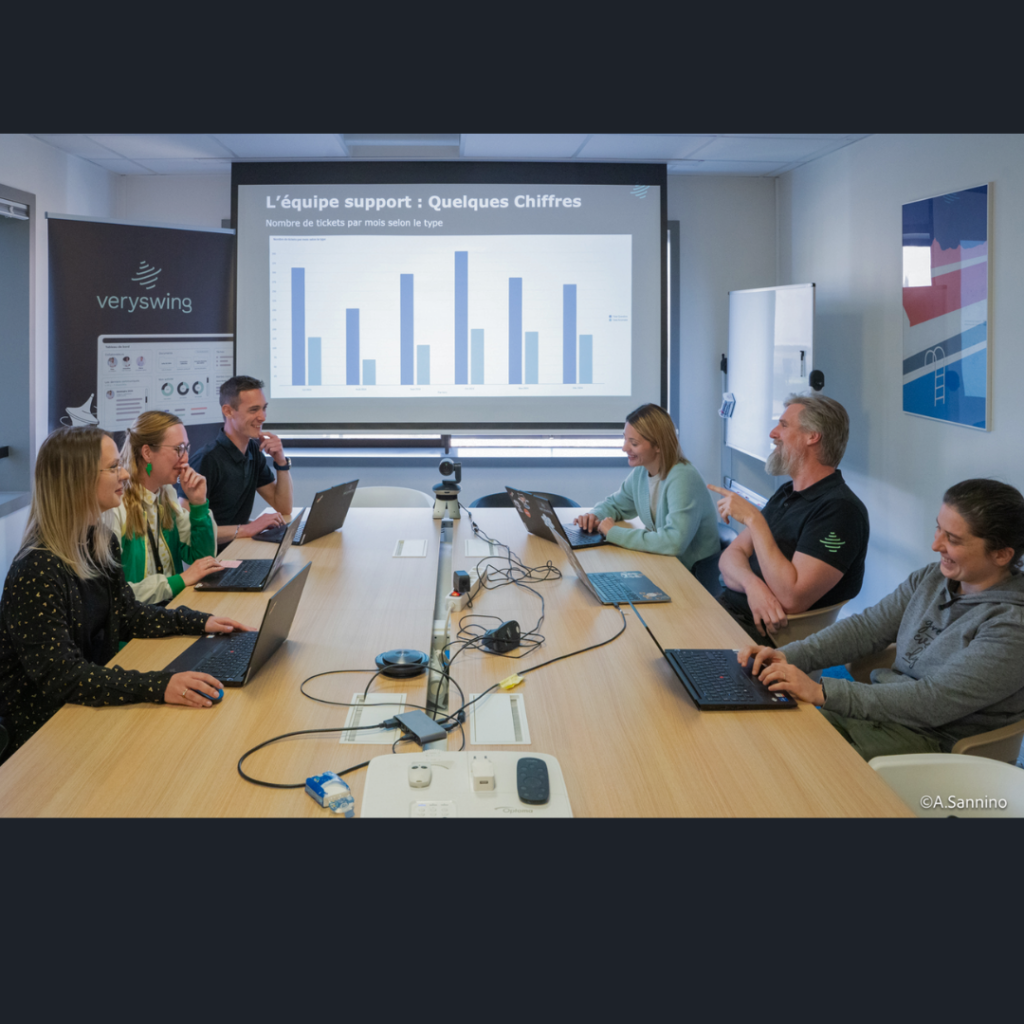

VerySwing training
support 1

Teaching methods and resources

The training courses are tailored to the participants, and the methods used are adapted according to:

The teaching methods used are:

The teaching methods used are:

Teaching staff

Monitoring and evaluation of results

In order to ensure that training courses are properly monitored and their outcomes assessed, the following measures have been put in place:

Accessibility

Training accessible to people with disabilities.
Please let us know in advance so that we can adjust the arrangements if necessary.
The Act of 5 September 2018 on ‘freedom to choose one’s professional future’ aims to facilitate access to employment for people with disabilities. Our organisation strives to give everyone the same opportunities to enter or remain in employment. We can adapt some of our training arrangements; to this end, we will work with you to assess your needs.
Disability Liaison Officer: Hélène COGNEAU, referent-handicap@veryswing.com
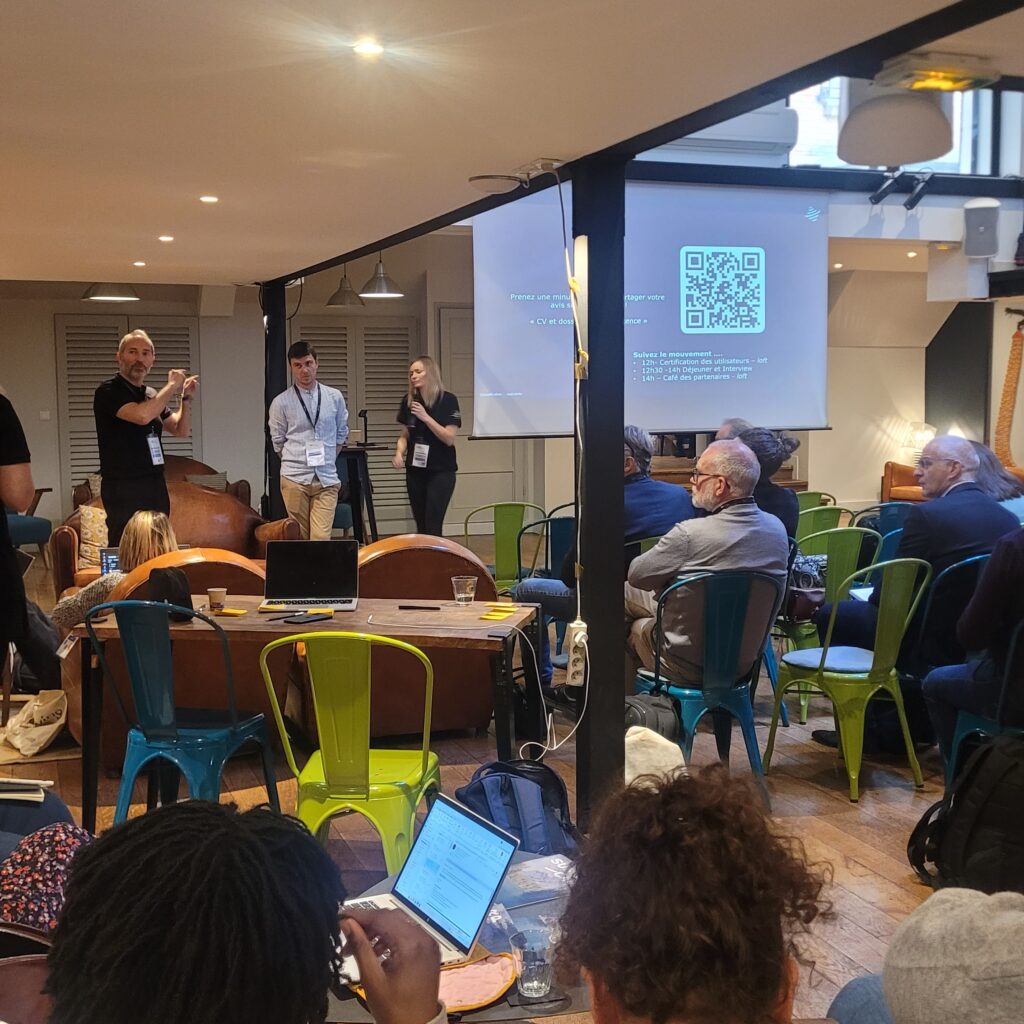
Training programme

Overview / Administration

Overview/Administration
  • Definition of the concept of an entity and the impact of how entities are organised within the
    various modules
  • Management and configuration of entities
  • Definition of security groups and security perimeters, and their impact on users’ rights and access
  • Management of security groups and security perimeters
  • User management, the impact of their affiliation with their organisation, the case of employees and
    contractors
  • Management of user authentication, password policy,
    external authentication via Google and Entra ID, and sending login details to users
  • Definition of the concept of an alert
  • A closer look at the different alerts and how to configure them
  • Definition of the concept of action triggers
  • A closer look at the various action triggers and how to configure them: recipients,
    message personalisation
  • An introduction to configuring workflows and their specific features: Level 1/2, manager, sales representative/operations manager, super-approver, observer
  • Management of employees in the staff register
  • Creating staff records and completing their HR details
  • Management of employee documents
  • Securing access to HR records and sensitive data
  • Configuring employment contract types and linking them to annual leave and RTT balances
  • Drafting and amending employment contracts
  • Configuring absence categories and their impact on approval and the annual leave and RTT balances
  • Configuring the absence approval process
  • Special circumstances: illness, time away from work and between contracts
  • Initialisation and management of absence counters
  • Configuring expense types: types, limits, impact on meal allowances,
    security groups
  • Management of mileage rates: cars/two-wheelers, different bands of kilometres
    travelled with a switch to a flat-rate system
  • Opening of the expenses submission process for staff
  • A closer look at configuring expense approval settings
  • Onboarding and offboarding management
  • Payroll preparation concepts: prepared payroll, finalised payroll
  • Payroll setup: the month in which various data are collected
  • Using the payroll preparation module: data sources for the various tabs, locking the payroll
  • Month-on-month reconciliation: identifying data that has changed since the last payslip
  • Configuring payroll exports: formatting and content
  • Managing application settings specific to payroll exports
  • Generating exports and retrieving data
  • Definition and impacts of the various standards
  • Configuration and specific features of each reference framework: statuses, skills, languages, qualifications, schools, etc.
  • How the candidate tracking module works
  • Using the candidate tracking module: entering and editing candidate details, using semantic analysis, and the LinkedIn add-on
  • Using the candidate file: recruitment activities, documents, employment contracts, CVs
  • Converting a candidate into an employee
  • Understanding the pre-sales and after-sales stages of the sales cycle
  • Management of the accounts database and prospective contacts
  • Using sales tasks relating to prospects, opportunities and sales proposals
  • Management of the sales opportunity and proposal lifecycle
  • Converting leads into customers
  • Converting sales proposals into business deals
  • Checking every aspect of the target transaction (correct invoicing terms, date of signature, relevant references)
  • Business development and retention: different types of projects, allocation of
    resources, decisions regarding logistics and invoicing
  • Management of billing terms over time
  • Management of analytical axes
  • Summary and indicators on business matters
  • Link to time recording
  • Management of the customer accounts and contacts database: customer files, contacts, addresses, documents
  • Management of trade associations and rights
  • Using the client file
  • Configuring internal wage headings
  • A closer look at the various time-recording modules: CRA, timesheets and the mobile app
  • Configuring the validation and verification process for recorded times
  • Using the CRA management module: checking and validation
  • The concept of planning in a service-based society
  • The difference between monthly and half-day planning
  • Using half-day planning: colour settings, automatic planning, security, zoom and manual editing
  • Using monthly planning: automatic planning, security and manual editing
  • Half-day planning: internal time categories and absences carried forward into the schedule, flexible planning, planning of internal activities. View of the actual activity approved in the schedule.
  • Impact of the planning method on the entry of sales proposals and deals
  • Reading the indicators on the planning screens and interpreting the monthly staff forecast report
  • Copy the schedule to the CRA and the CRA to the schedule
  • Using and setting up the ‘My Schedule’ screen
  • Creating a pre-generated travel authorisation from a case or from scratch
  • Configuring expenses relating to business trip orders and the impact on time recording and payroll processing
  • Issuing a work order to an employee, with the employee confirming it directly within the application
  • Customising the document template used for issuing travel orders
  • Creating and planning a project follow-up: who is involved, status management, planning
  • Customising assignment tracking document templates for printing
  • Entering the mission follow-up report and distributing it, attaching documents
  • Explanation of how to use invoice templates to automatically generate invoices from billing items: time logged, flat-rate charges, resales, and costs to be re-invoiced
  • Creating and editing invoice templates: configuring the header and description lines by type of sales to be invoiced
  • Invoices in English
  • Configuring payment methods
  • Management of invoicing terms: customers and deals
  • Tracking billing terms over time
  • Explanation of the principle of pro forma invoices, invoice validation and the link between pro forma invoices and invoices
  • Changes that can be made to draft invoices before they are approved: changing the date, adding notes, adding attachments
  • Management of invoice templates and billing terms
  • Approval of draft invoices
  • Invoicing management and payment tracking: full or partial
  • Management of customer reminders for outstanding payments
  • Sending invoices to customers
  • Configuring accounting exports: formatting and content
  • Configuring accounting interfaces
  • Generating exports and retrieving data
  • The concept of subcontractors and other suppliers: links to business, re-invoicing and users
  • Creating and amending accounts payable and subcontractor accounts
  • Module for entering and managing supplier and subcontractor invoices: entry, amendment, payment
  • Using the module for processing subcontracts and resales: analysis, invoice receipt and data entry
  • Generation of supplier payment files in SEPA format for submission to the bank
  • Configuring items in the profit and loss account and the budget
  • Using operating account reports
  • Budget preparation and entry
  • Analysis of the budget against actual figures
  • PCA/FAE Analysis
Veryswing training courses

Are you interested in a training course?

If you are interested in our training courses, please contact your account manager.

He will get back to you within 48 hours to help you with your project.

Useful links

Find out more in our training materials, which you can download here:

Useful links: Veryswing training
community 1
Your business
Your business